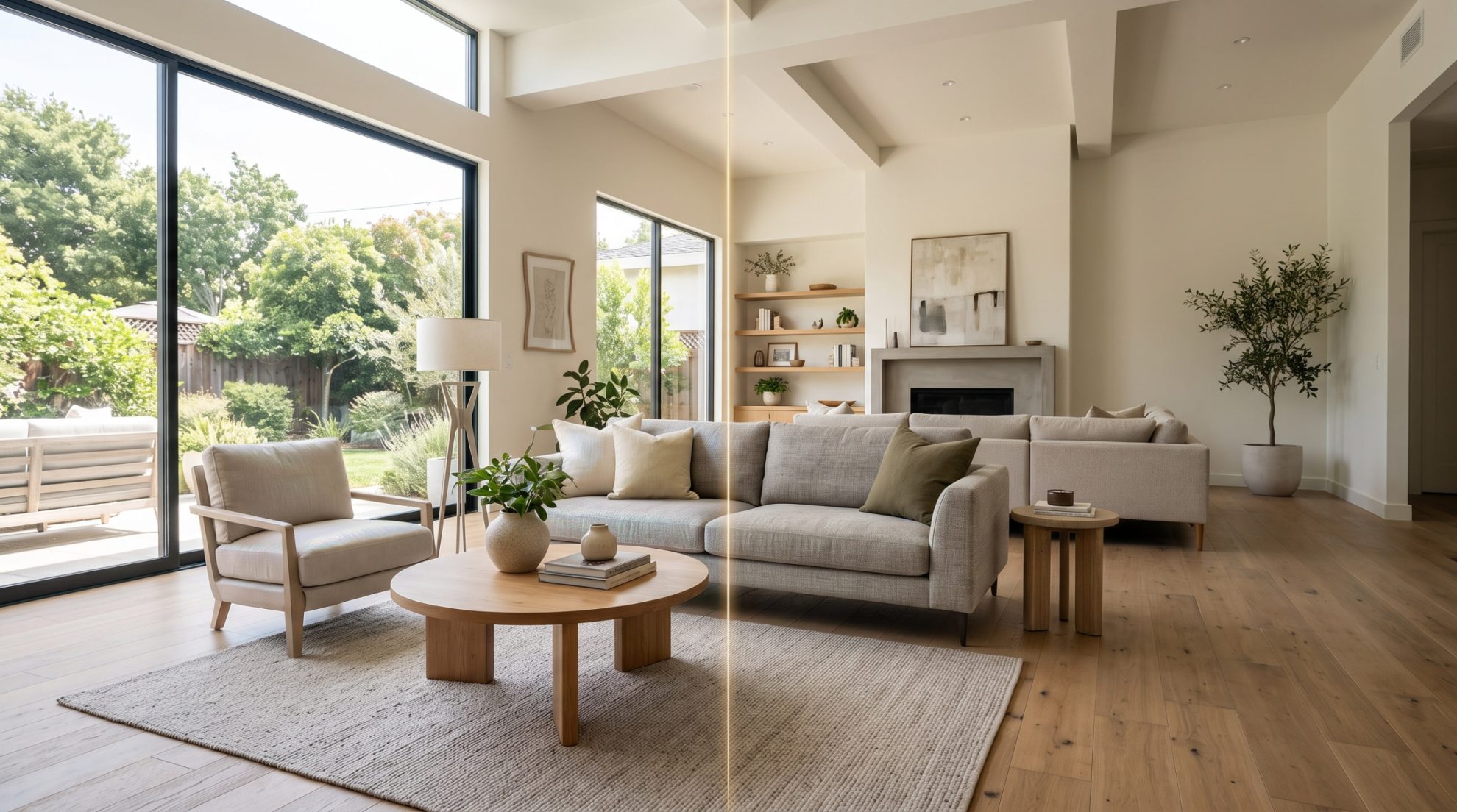
AI Interior Design: Tools, Limits & Where Human Renders Win
- Ziņas autors Autors: seohighwaytotop
- Publicēšanas datums 16.09.2026
AI interior design tools have gone from novelty to daily habit in under two years. A homeowner can now upload a phone photo of their living room, pick “Japandi” or “Mid-Century Modern,” and get a photorealistic redesign in ten seconds. Real estate agents use them to virtually stage empty listings before an open house. Designers use them to test moodboards without lifting a pencil.
But behind the speed and the “one-tap style transfer” marketing sits a harder question: when does AI output actually replace a professional render, and when does it just look like it does? This guide covers what today’s tools can do, where they hit a wall, and where a human-crafted render still wins the job.
What AI Interior Design Tools Actually Do Well
The current generation of tools is genuinely useful for a specific set of tasks:
- Style exploration. Test twenty aesthetics on the same room in an afternoon.
- Mood boards and client conversations. Anchor a brief with visuals instead of Pinterest links.
- Virtual staging of listings. Fill an empty room with furniture at listing-photo quality, in seconds.
- Color and finish swaps. Preview a paint color or flooring change without committing.
- Speed and cost. What used to take a rendering studio two weeks now takes a laptop and $9 a month.
For homeowners, renters, and agents working on tight timelines, AI has already replaced the “quick concept” tier of visualization work – and it is not going back.
The Top AI Interior Design Tools in 2026
Tool | Best For | Strength |
RoomGPT | Quick single-room concepts | Simplicity, viral one-photo workflow |
Interior AI | Virtual staging for real estate | 50+ styles, fast turnaround |
Collov AI | High-volume listing staging | Batch processing, agent workflows |
Spacely AI | Designers with 3D pipelines | Free tier, integrates with pro tools |
Planner 5D | Floor plan and layout design | Manual control, whole-home planning |
Homestyler | 3D builder with furniture catalog | Direct object placement, walkthroughs |
Remodel AI | Kitchen and bathroom remodels | Material simulation, spatial logic |
No single tool leads across the board. The right choice depends on whether the job is inspiration, staging, layout, or renovation.
Where AI Hits a Wall
The gap between “impressive” and “usable for a paying client” is bigger than the demos suggest. Common failure modes:
- Object control. Most tools cannot edit one chair without regenerating the whole room. Keep the sofa, change the wall color – that specific request still breaks in half the tools tested.
- Materials and light. AI-generated wood grain repeats, marble veining loops, and shadows fight the geometry. The eye catches it fast on a large screen.
- Architectural accuracy. Windows shift, ceiling heights change, and beams disappear between generations. For a real property, that is a lawsuit risk, not a stylistic choice.
- Brand-specific finishes. A developer selling apartments with a signed Poliform kitchen cannot afford a rendering that vaguely resembles a Poliform kitchen.
- Consistency across shots. Ten renders of the same apartment from ten angles should look like the same apartment. AI struggles to hold that continuity.
- Print and large-format use. Billboards, brochures, and sales-gallery screens expose resolution and detail limits AI still cannot deliver reliably.
For a mood board, none of this matters. For a marketing package that will run for eighteen months and sell hundreds of units, it matters everything.
Where Human Renders Still Win
Professional 3D interior rendering services still own the categories AI cannot touch:
- Photorealism at scale. 4K–8K images that hold up on print, billboards, and cinema screens.
- Exact-brand accuracy. Real product SKUs, real finishes, real lighting plans that match the built space.
- Architectural fidelity. Rendering from actual CAD or Revit files, not a photo the AI has to interpret.
- Consistent series. Fifteen renders of one apartment across day, night, and different seasons – all matching.
- Revisions the client can trust. “Move the sofa left, change the pendant, warm up the light” – done exactly, not approximately.
- Rights and licensing. No open questions about training data, no IP risk when the image ends up in a global campaign.
For pre-construction sales, luxury listings, and any campaign where the render is the product, human-crafted output is still the standard buyers and lenders expect.
The Hybrid Workflow Most Studios Actually Use
Serious studios do not choose between AI and manual rendering – they layer them:
- Concept phase. AI tools generate 20–40 style options in a day for client alignment.
- Approval. Client and studio lock the direction using AI moodboards.
- Modeling. 3D artists build the space in 3ds Max, Blender, or SketchUp with real geometry.
- Materials and lighting. Human-set, brand-accurate, physically-based.
- Final render. Corona or V-Ray output at print resolution.
- AI-assisted polish. Denoising, upscaling, and small object variations handled with AI to save time.
The result: the exploration speed of AI, the accuracy and control of a full 3D pipeline, and no compromise on the final image.
Final Thoughts
AI interior design tools are excellent – for exploration, staging, and client conversations. They are not yet excellent for the images that carry a brand, sell a $2M apartment, or hold up under printing at three meters wide. Use AI for what it is good at, hire humans for what it still misses, and blend both when the budget and timeline allow. The winning workflow in 2026 is not AI vs. human – it is AI first, human last.