Photorealistic 3D Rendering: What It Means, What It Costs and How to Judge It
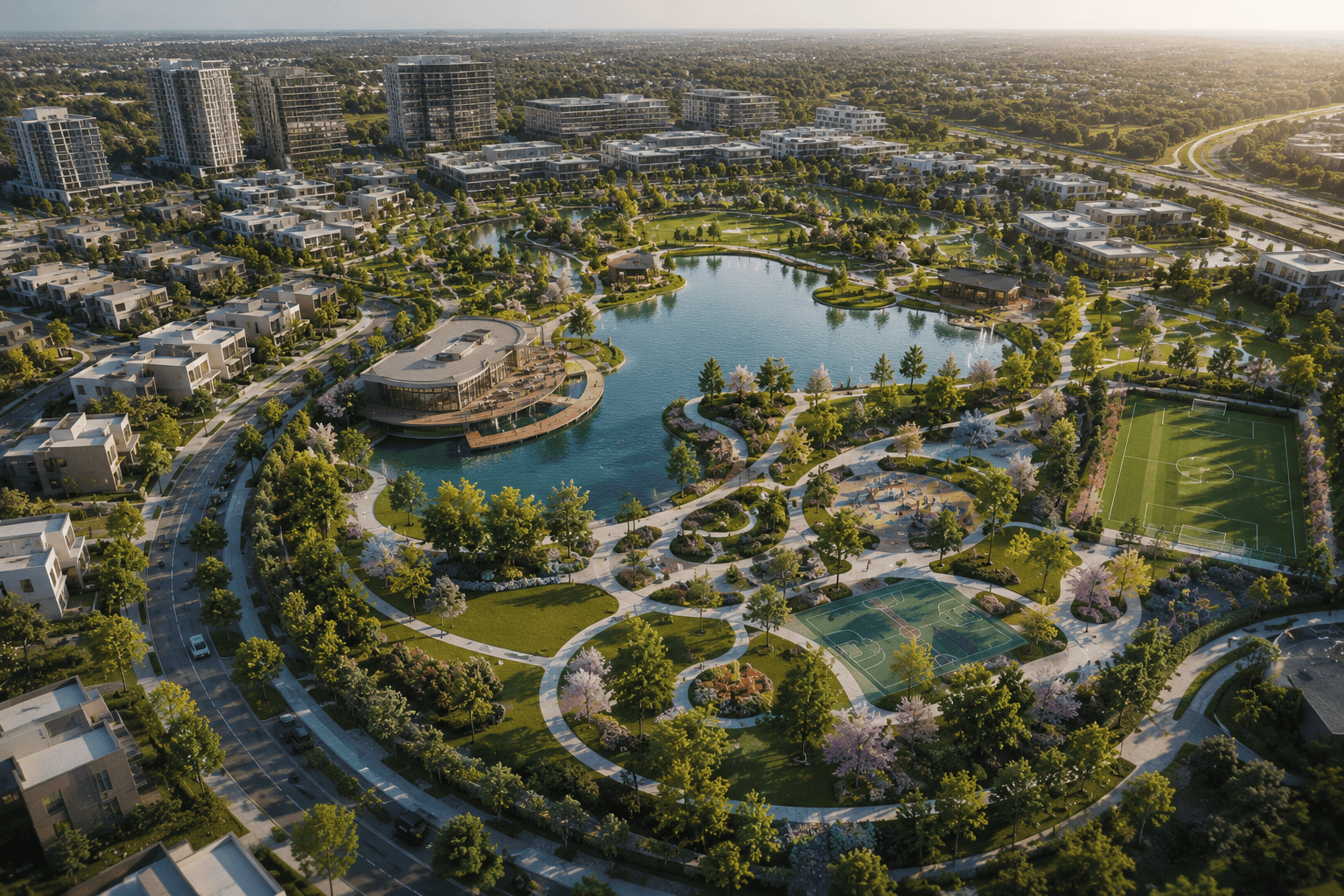
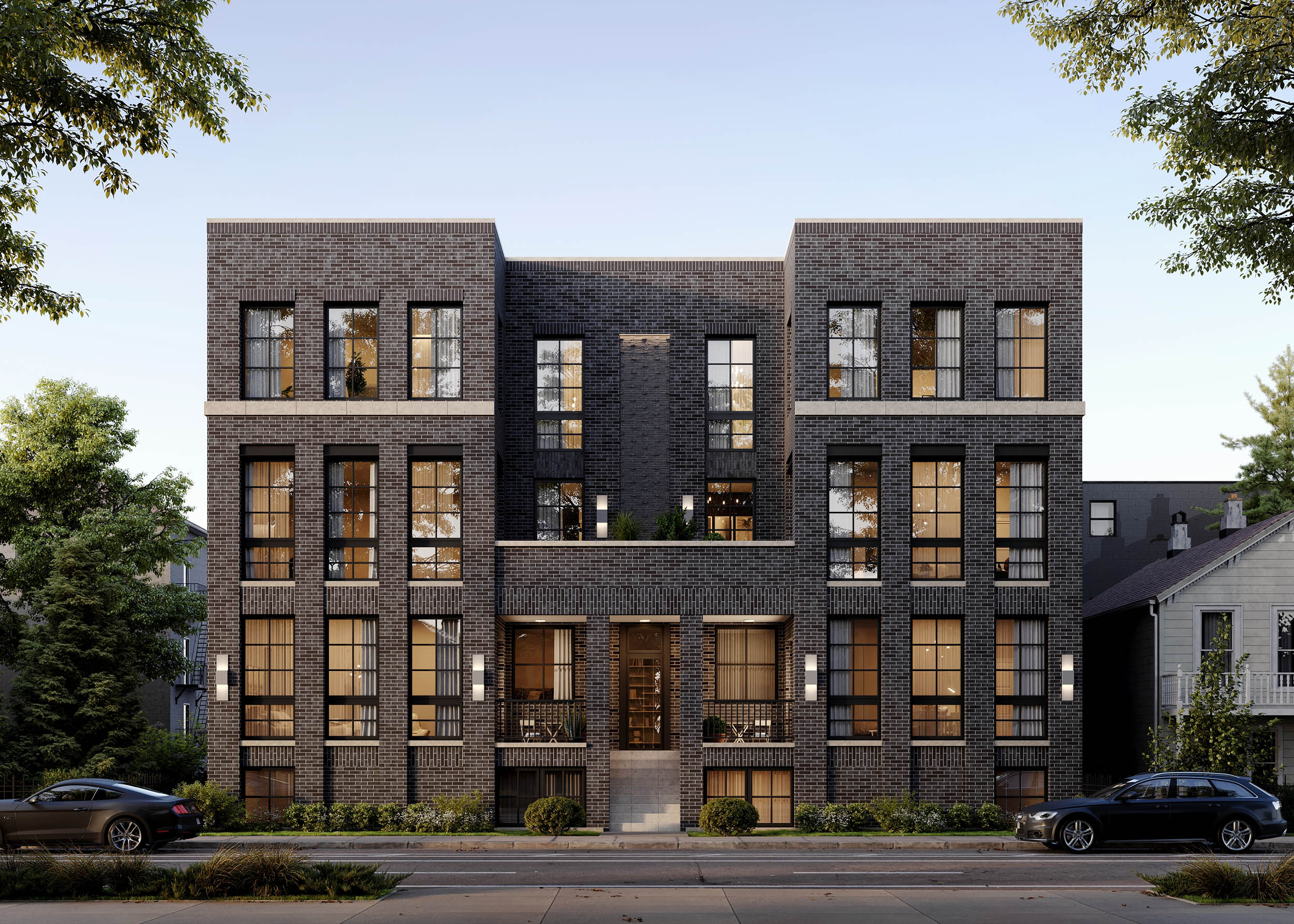
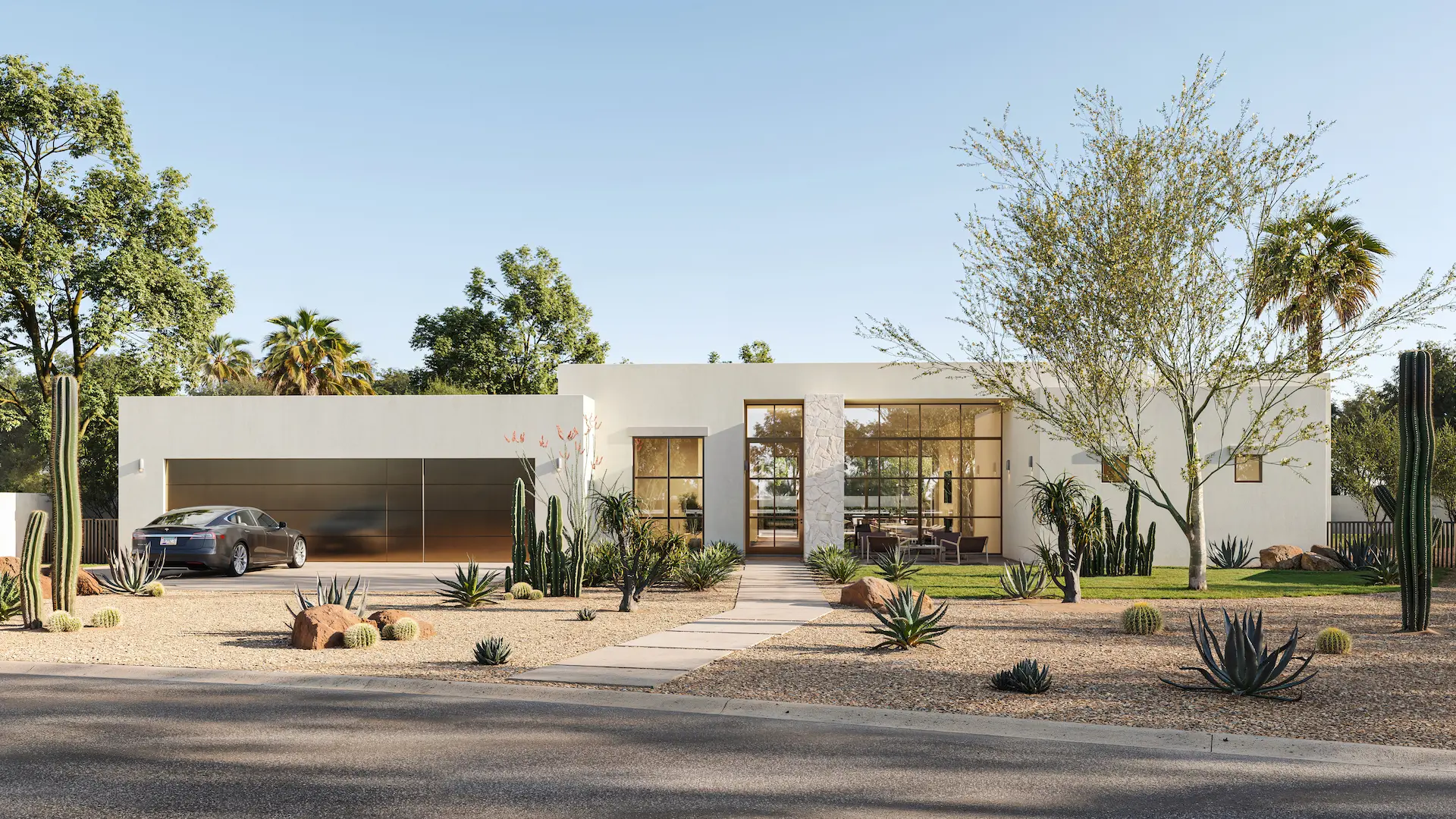
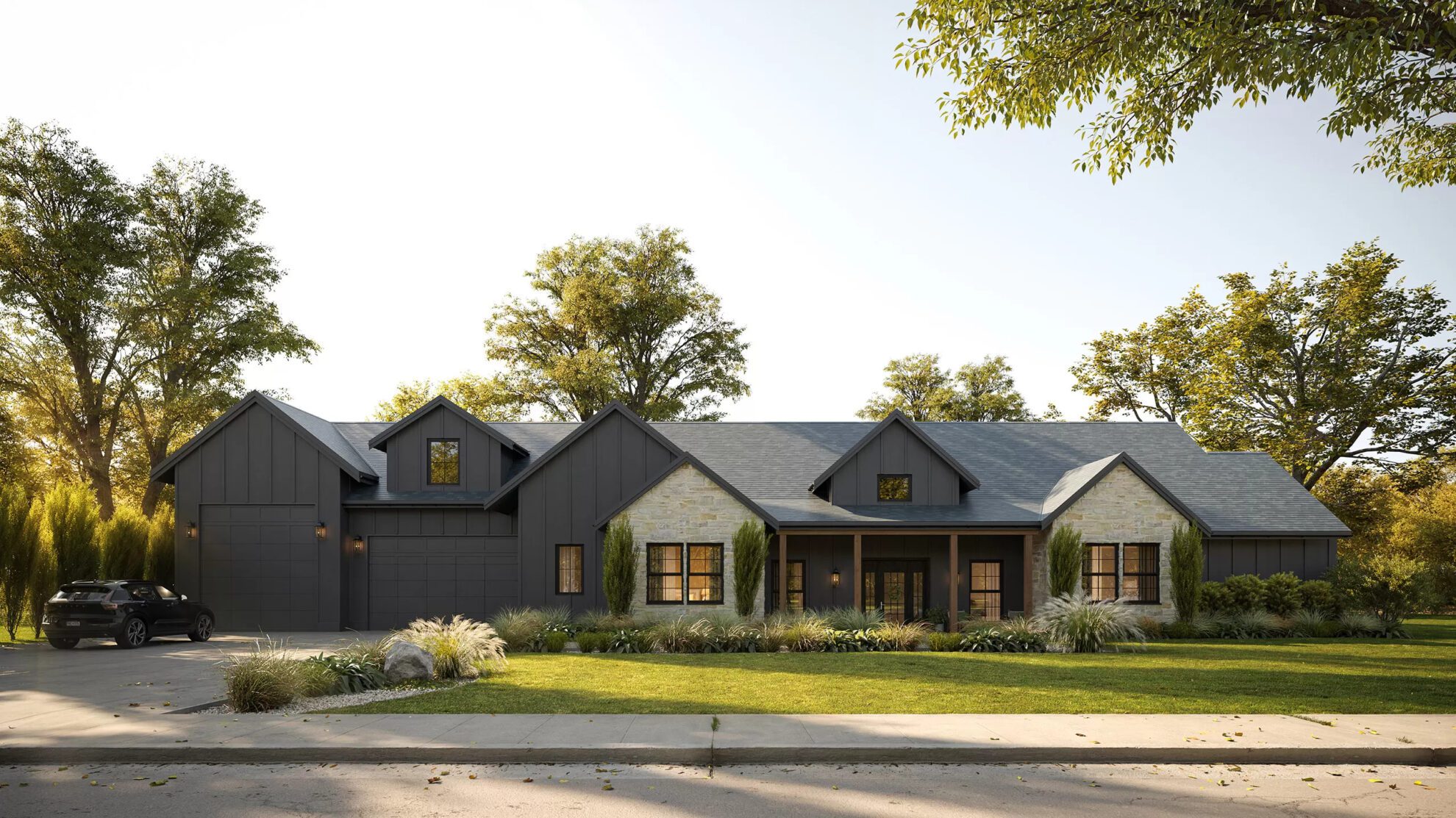
What does “Photorealistic” in 3D Rendering? Photorealistic rendering – the magic that turns lines of code and polygons into images that can make you question reality
The short answer
Last reviewed in September 2026.
A photorealistic 3D rendering is a computer-generated image built to the standard of a photograph: the light behaves the way light behaves, the materials look the way the specified materials will look on site, the camera obeys the rules a real camera obeys. The practical test is not “does it look nice” but “could this be mistaken for a photo of the finished building, and would the finished building match it”.
That second half matters more than the first. A render that fools the eye but shows the wrong cladding or a room two feet wider than the plan is not photorealistic in any useful sense — it is a liability the moment the building is built. For a developer selling off-plan, an architect presenting to a planning board or a brand launching a product, photorealism is the level at which an image can be used as evidence, not just as decoration.
This guide covers what the term means in practice, where the realism actually comes from, when you need it and when a cheaper level will do, what it costs, and how to judge a render before you approve it. If you are ready to commission rather than research, the exterior and interior rendering pages cover scope, turnaround and named projects.
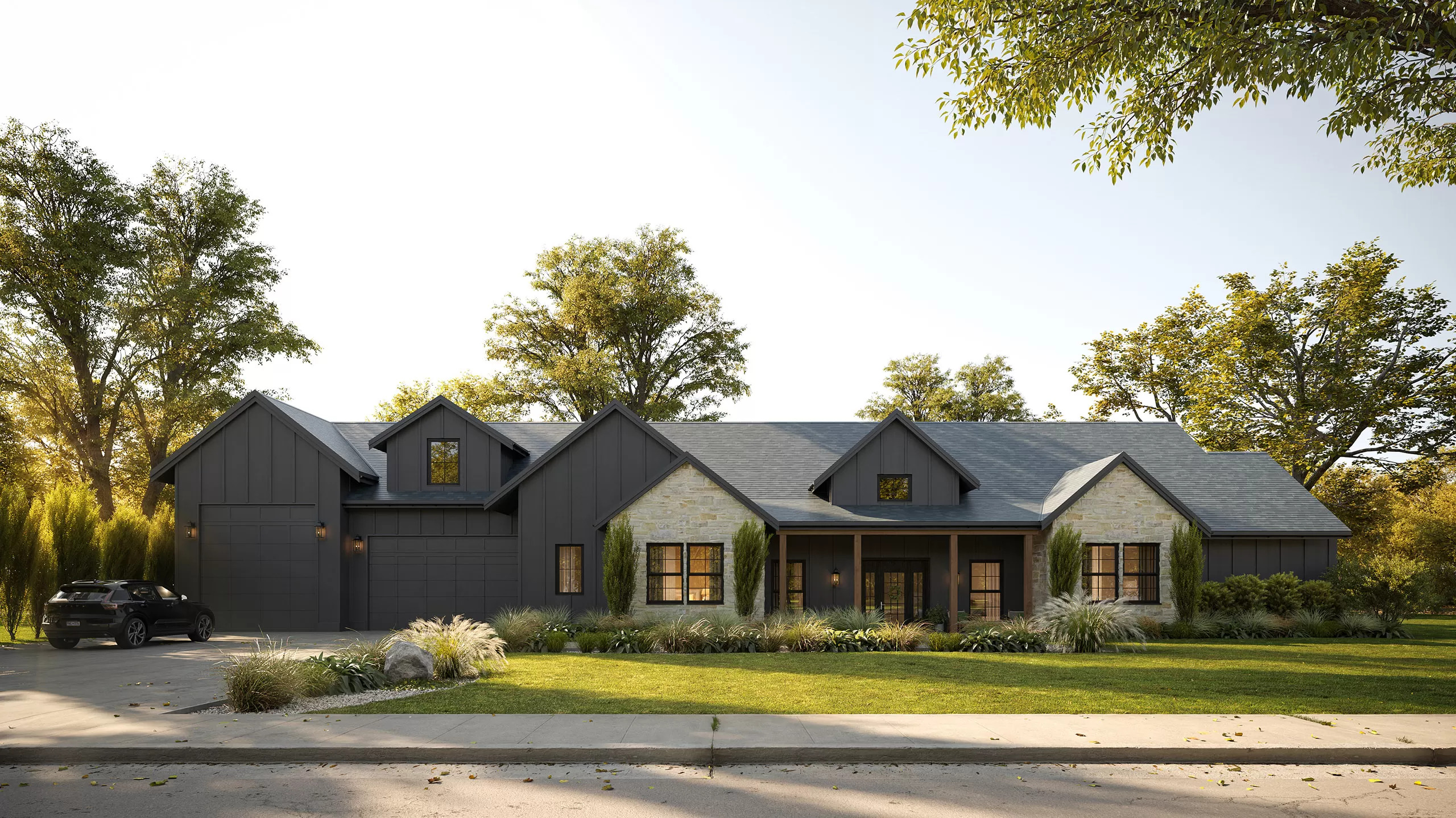
What “photorealistic” means — and the three levels below it
Studios and software vendors use the word loosely, so it helps to see photorealism as the top of a ladder rather than a switch. Each rung is a legitimate deliverable; the mistake is paying for one and expecting another.
Schematic: white model and clay
Geometry only. No materials, a single neutral light, often no context. This is the image an architect uses to test massing and proportion, and it is genuinely useful at that stage — there is nothing to distract from the form. It is not something you would show a buyer.
Stylized and real-time
Materials and light are present, but simplified so the image can be produced in seconds inside tools like Enscape, Twinmotion, Lumion or D5. Shadows are soft in the wrong places, glass reflects a generic sky, vegetation is a library asset, and the overall look reads as “a 3D model with textures”. For design iteration, client walk-throughs during concept stage and internal reviews this is the right level: fast, cheap and easy to change. It becomes a problem only when it is put on a billboard or in a brochure and asked to sell something.
Photorealistic
Produced with an offline, physically based renderer — Corona and V-Ray are the industry standard for architecture — where every surface has measured reflectance, light bounces between surfaces the way it does in a room, and the camera has a focal length, an exposure and a depth of field. Each image takes hours to compute rather than seconds, and days of an artist’s time before that. The result can sit beside a photograph of the built project without giving itself away.
One distinction worth keeping in mind: convincing is not the same as verifiable. A render can be convincing — nobody doubts it is a real place — and still be wrong about the site. Photorealism as a professional standard means both: the image passes as a photograph and the building will match it. The second part is where the studio’s discipline shows, and it is what the checklist further down is for.
Where the realism actually comes from
A viewer cannot say why an image looks real or fake, but the eye is checking the same five things every time. Knowing what they are makes you a better client, because you can see in the first draft which ones are still missing.
Light
Photorealism starts with a sun that has a position, a date and a time of day, and a sky that matches it. The rest follows: shadows with soft edges that sharpen closer to the object, bounced light that carries the color of a floor up onto a wall, a window that both lets light in and reflects the room. The single most common tell in a stylized render is light that comes from everywhere at once — no direction, no bounce, nothing grounding an object to the surface it sits on.
Materials
Real surfaces are never uniform. Brick has a course height you can measure, wood grain runs in one direction and changes at every joint, a plaster wall is slightly rougher at eye level where it was touched. A photorealistic material has the right scale (bricks at their real course height, not a third taller), the right roughness (a glossy floor with a faint haze, not a mirror), and no visible repetition — the tiling pattern that shows up as a checkerboard on a large facade is the second most common tell.
Camera and scale
A real photographer with a shift lens keeps vertical lines vertical; a render should too. Eye height is around 1.6 m (5 ft 3 in) for a street view; interiors are shot a little lower, at 1.2–1.5 m, with a 24–35 mm equivalent lens. Go wider to make a room look bigger and the corners stretch in a way the viewer feels without being able to name. Everything in the frame — doors, countertops, cars, people — has to agree about how big a meter is.
Entourage and imperfection
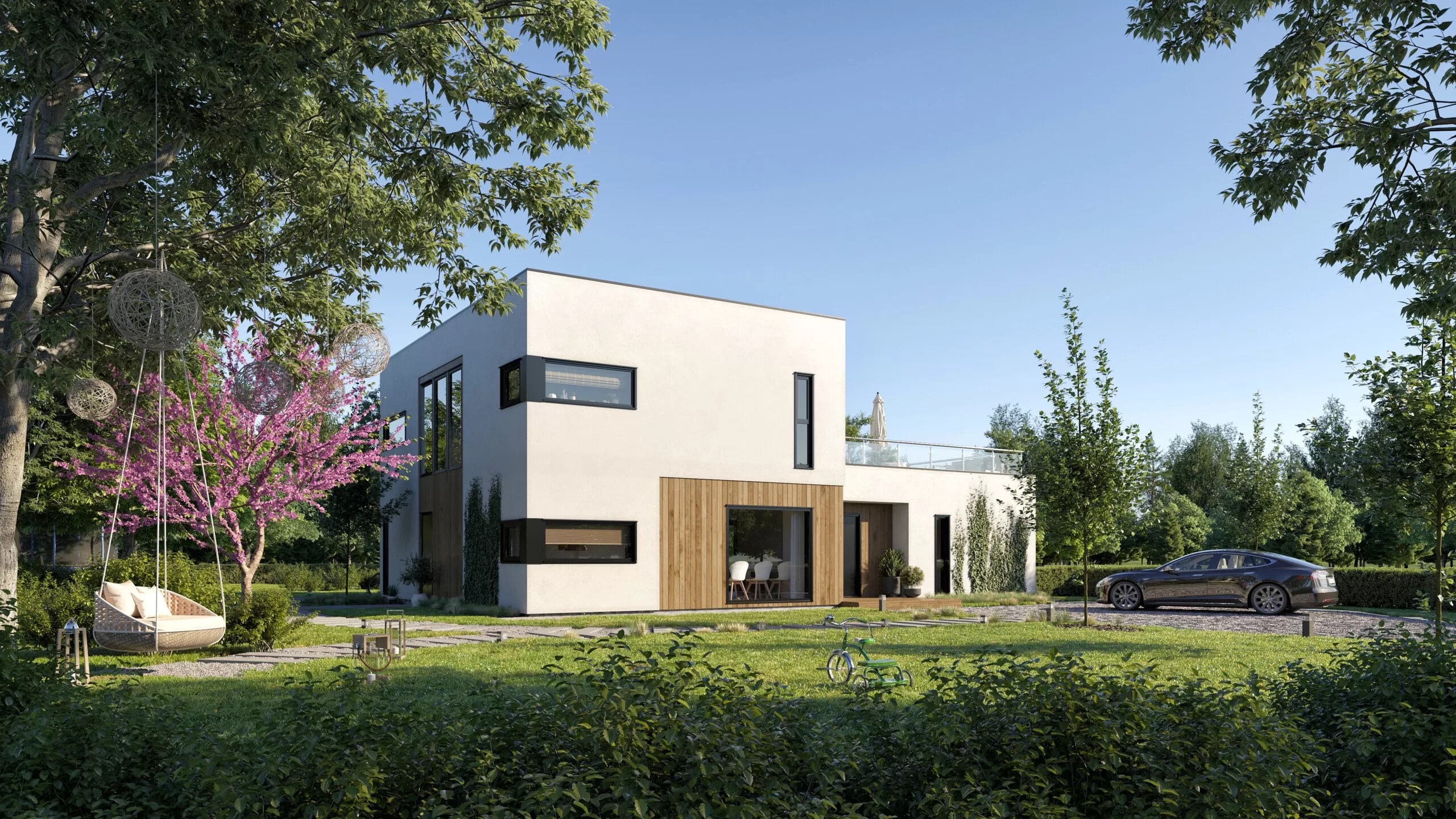
People, cars, plants, furniture, the things on a table: entourage is what turns a building into a place. It has to be scaled to the architecture, appropriate to the climate (no palm trees in a Norwegian fjord) and, above all, slightly imperfect. A cushion that is not quite straight, a puddle on the sidewalk, a chair pulled out from the table. Perfect symmetry and untouched surfaces are what the brain reads as “computer”.
Post-production
The last few percent come from the same tools a photographer uses after the shoot: color grading, a touch of lens bloom and chromatic aberration, a real sky composited behind the model, people and vegetation added as photographs where that reads better than 3D. Done well, post-production is invisible. Done as a substitute for good lighting and materials, it produces the over-saturated, over-sharpened look that dates a render within a year.
When you need photorealism — and when you are paying for it needlessly
You need it when the image has to do a job in the real world
- Pre-selling or pre-leasing. Off-plan buyers and tenants are committing money to something that does not exist. The image is the product. Anything less than photorealistic reads, correctly, as a promise the developer is not sure about.
- Planning and approvals where materials and context are being judged — a facade in a conservation area, a tower against an existing skyline. Boards check renders against site photographs.
- Investor and lender decks. The audience is weighing money against risk, and a schematic image signals risk.
- Hero images for a billboard, a brochure cover, a launch campaign or a listing thumbnail — the one picture that will be seen ten thousand times.
- Product and furniture visuals that stand in for photography in a catalog or an online store, where a customer will compare the render with the object that arrives.
You do not need it when the image will be replaced next week
- Massing and zoning options, daylight studies, early design reviews.
- Internal iteration between architect and client during concept design, where the point is to change things quickly.
- Rough storyboards for an animation that will be produced properly later.
For these, a real-time render from the design software is the right tool, and a studio that insists on photorealism for them is selling you time you do not need. The reverse mistake is more expensive: using a real-time image as the marketing hero because it was already there. It saves a few hundred dollars and costs the launch its credibility.
What photorealistic rendering costs
The premium for photorealism is not a percentage added to a base price; it is a different amount of work. A stylized render is a model with library materials and default lighting. A photorealistic one is the same model plus custom materials, a lighting setup built for that scene, curated entourage, several hours of render time and a post-production pass. The ranges below are what a professional studio charges in 2026; the full breakdown by type is in our 3D rendering cost guide.
| Image type | Standard quality | Photorealistic | Typical turnaround |
|---|---|---|---|
| Interior, single room | $300 – $1,000 | $1,500 – $2,000+ | 5 – 10 business days |
| Residential exterior | $500 – $1,200 | $1,500 – $2,000 | 5 – 10 business days |
| Commercial exterior or aerial | $1,000 – $2,000 | $3,000+ | 7 – 14 business days |
| Product or furniture packshot | $100 – $300 | $300 – $800 | 2 – 5 business days |
| Product in a styled scene | $300 – $600 | $1,000 – $1,500 | 5 – 10 business days |
Three things move the number more than anything else. Custom materials: a facade in a specified stone with a specified finish costs more than “light gray stucco”, because the material has to be built from samples. Context: a building on a real street needs the neighbors modeled or photographed and matched, which is why commercial exteriors sit in a different band. Time of day: a dusk shot with interior lighting on is, in effect, two lighting setups. What does not move the number much is the number of revisions, provided they come at the right stage — more on that below.
Where photorealism is cheaper than the alternative: a set of five images from the same model costs far less than five separate commissions, because the model, materials and lighting are built once. The second and later views of a scene are priced well below the first.
How to judge a photorealistic render in sixty seconds
You do not need a trained eye. Run these checks in order on any draft you are sent; they catch most of what goes wrong.
- Find the sun. Every shadow in the image should point away from the same place, and the sky should agree with it — a low warm sun with a noon-blue sky is a giveaway. If there is no discernible sun direction at all, the lighting is not finished.
- Look at a corner. Where a wall meets a floor or a ceiling, real light produces a soft darkening. If the corner is as bright as the middle of the wall, there is no bounced light in the scene.
- Look at the glass. Windows should show a faint reflection of what is in front of them and the room behind them at once. Flat black or a uniform sky reflection means a placeholder material.
- Measure a brick, a tile or a plank. Pick anything with a known size and check it against a door (about 2.1 m, or 7 ft) or a person (1.7 m, 5 ft 7 in). Wrong texture scale is the fastest way for a render to look like a model.
- Hunt for repeats. Step back and look for the same patch of grass, the same cloud, the same cluster of leaves appearing twice.
- Check the verticals. Building edges should be parallel to the frame edge unless the shot is deliberately looking up. Converging verticals in a street-level view are a lens setting, not a style.
- Read the people. Are they the right height against the doors, dressed for the climate, doing something someone would do there? Cut-out figures staring at the camera are worse than no people at all.
- Compare with the drawings. Count windows, check the cladding against the specification, look at the room proportions against the plan. This is the check that protects you after the building is built.
Most of these can be fixed cheaply at draft stage and expensively after sign-off. A studio that sends a low-resolution draft with a note explaining what is still placeholder is doing the job properly; a studio that sends a “final” that fails checks one to three has not lit the scene yet.
What the process looks like when you commission one
Photorealism is reached in stages, and the stages are where your revisions belong. At Freedes Studio a still image runs like this; other professional studios will differ in names, not in substance.
- Brief and inputs. Drawings (DWG, Revit, SketchUp or PDF plans and elevations), a material schedule or mood board, site photographs or a location, and the purpose of the image: brochure cover, planning submission, listing. The purpose decides the camera and the time of day.
- Model and camera in white. A clay render of the model from the proposed viewpoint. This is where geometry, view and composition are approved. Changing the camera here costs nothing; changing it after lighting costs a day.
- Materials pass. The same view with the specified finishes applied, still with neutral light. Check the cladding, the floor, the millwork against the schedule now.
- Lighting and entourage. Sun, sky, interior lights, people, vegetation, cars. The first version that looks like a photograph.
- Post-production and delivery. Color grading and final polish, delivered at print resolution — typically 4,000–6,000 pixels on the long side, larger for billboards and site fencing.
Two to three rounds of revisions are standard and should be spent at the stage where the change belongs. The rule that keeps a project on budget is simple: approve each stage before the next begins. A camera change requested at stage five is the single most common reason a photorealistic image costs more than quoted.
How we approach photorealism
Freedes Studio is a real estate marketing agency built around an in-house 3D rendering studio, producing photorealistic architectural visualization since 2010: more than 10,000 images, animations and tours for developers, architects and property brands in over 30 countries, by a team of 30+ CGI artists. That volume is the point. Photorealism is a craft learned by repetition — how a particular stone reads at dusk, how much haze a glossy floor needs, what a Florida sky looks like at six in the evening — and a team that has rendered a thousand facades brings a library of solved problems to the next one.
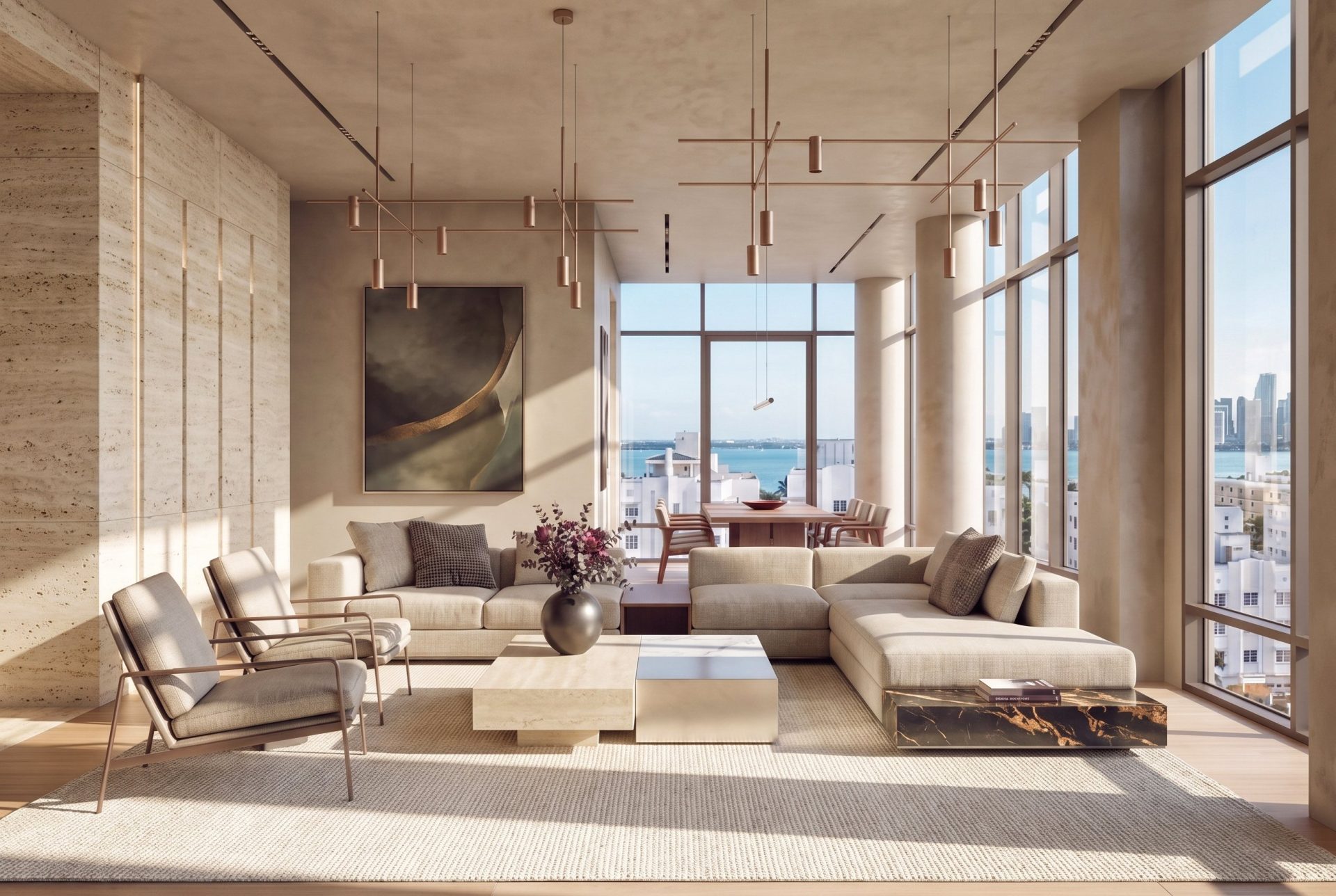
Recent work where the images were the sales material rather than an illustration of it: the residences of Baymont in Miami Beach, a 25-story oceanfront tower taken from an unnamed site to launch in three months; the interiors of 100 Sullivan in New York; LinkedIn’s offices and the ESSEC business school campus through Unispace. Clients we can name include CBRE, DLR Group, Compass, Douglas Elliman and Mavrek Development. More is on the portfolio.
Our pricing follows the table above: photorealistic interiors from $1,500 per view, residential exteriors from $1,500, commercial and aerial work from $3,000, with volume pricing for sets from the same model. Turnaround is five to fourteen business days depending on scope, and we reply to a brief within the hour. If you have drawings and a deadline, send them over and we will come back with a fixed quote.
Single-family homes are priced on their own page: see 3D house rendering for packages from a single street view to a full set with the key rooms.
Frequently asked questions
What is the difference between a 3D rendering and a photorealistic rendering?
“3D rendering” describes any image generated from a 3D model, at any quality — a white massing study is a 3D rendering. “Photorealistic” describes the quality level at the top of that range: an image produced with physically based light and materials that can pass for a photograph of the finished building or product.
Can real-time software like Enscape or Twinmotion produce photorealistic renders?
They get close enough for design review and, in skilled hands, for some marketing use. For a hero image that will be printed at scale or compared with the built result, offline rendering in Corona or V-Ray still produces a level of light and material accuracy that real-time engines approximate rather than compute. The practical difference is a few seconds of render time against a few hours.
How much does a photorealistic rendering cost?
From a professional studio in 2026, about $1,500–$2,000 for a photorealistic interior or residential exterior view, $3,000 and up for commercial exteriors and aerials, and $300–$800 for a product packshot. Additional views of the same scene cost less than the first. The cost guide breaks every type down.
How long does a photorealistic render take?
Five to ten business days for a single interior or residential exterior, seven to fourteen for a commercial exterior with modeled context, assuming drawings and a material schedule are supplied at the start. Rush delivery is possible at a premium once the model exists.
Will the finished building actually look like the render?
It should, if the render was built from the drawings. Marketing images are normally labeled “computer-generated image, indicative only”, and you should keep that label. But if the render was built from the construction drawings and the specified materials, it will match the building closely, and that is what makes it safe to sell from. Ask the studio to confirm the render reflects the current drawing issue before you publish it.
Is AI-generated imagery the same as photorealistic rendering?
No. AI image tools produce plausible pictures from a text prompt or a sketch; they do not know the plan, the section or the material schedule, so the result cannot be checked against the drawings and will not be consistent between views. They are useful for early mood exploration. For anything a buyer, tenant or planning board will hold you to, a render built from the model is the only option.
Where to go next
If you are commissioning exteriors, the 3D exterior visualization page shows what a set includes and what it costs. For interiors, interior rendering services. For a project with a leasing or investment audience, how commercial rendering works covers the brief, the approval stages and the checks that audience will make.